Now on Google Play & the App Store

Know what every card
in your collection
is actually worth.

Point your phone at a card and Cardex names the set, number and variant, then puts a live market price next to it. Scan a whole binder page in one shot, watch your collection's value move, and share a sale binder with a link.

Get it on Google Play
Download on the App Store

Free to download. No account needed to start scanning.

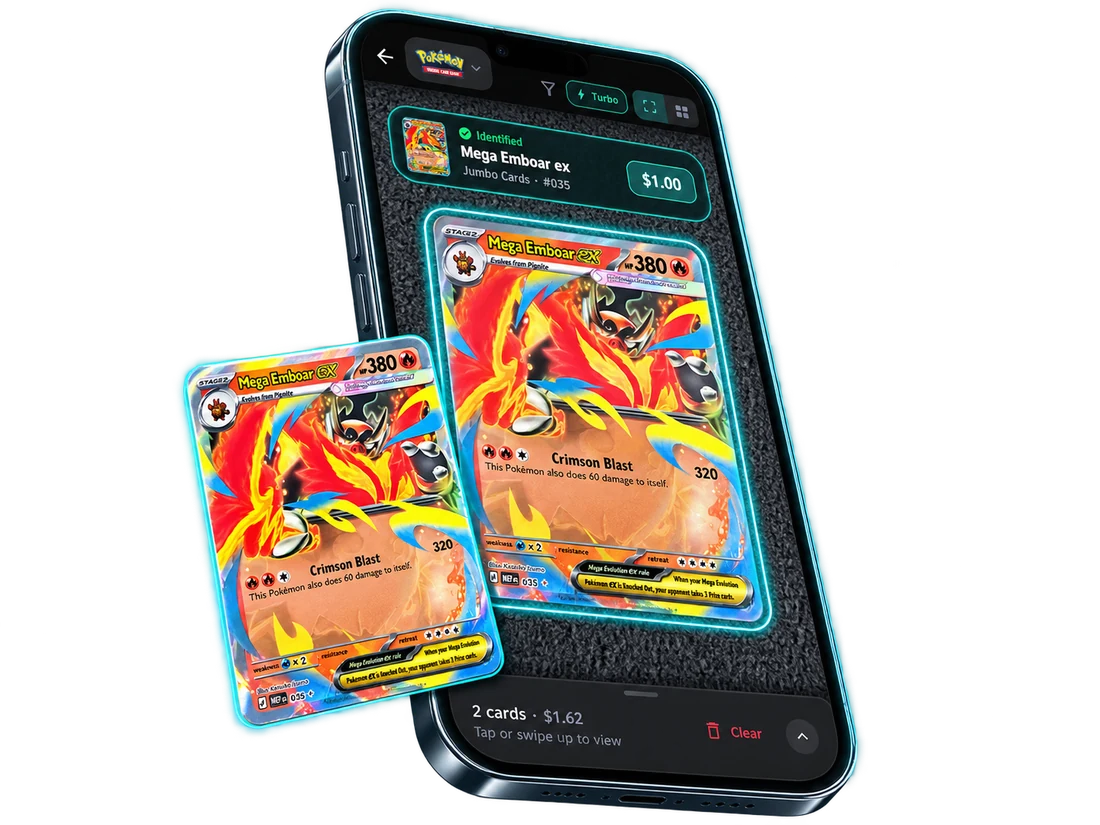
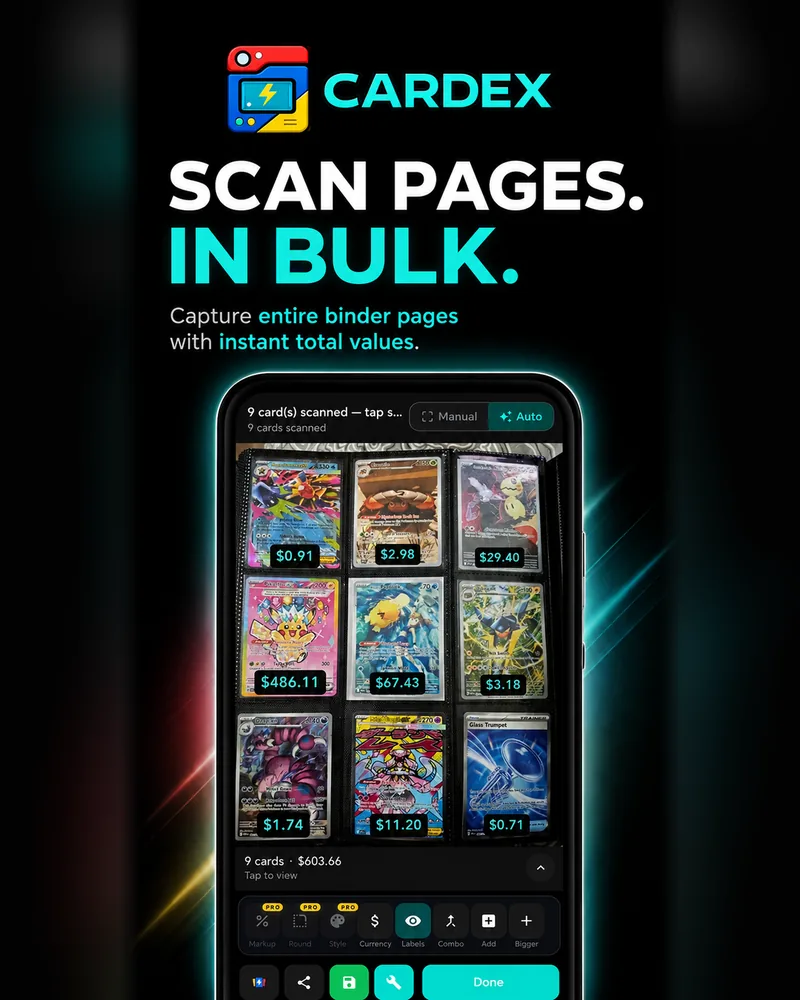
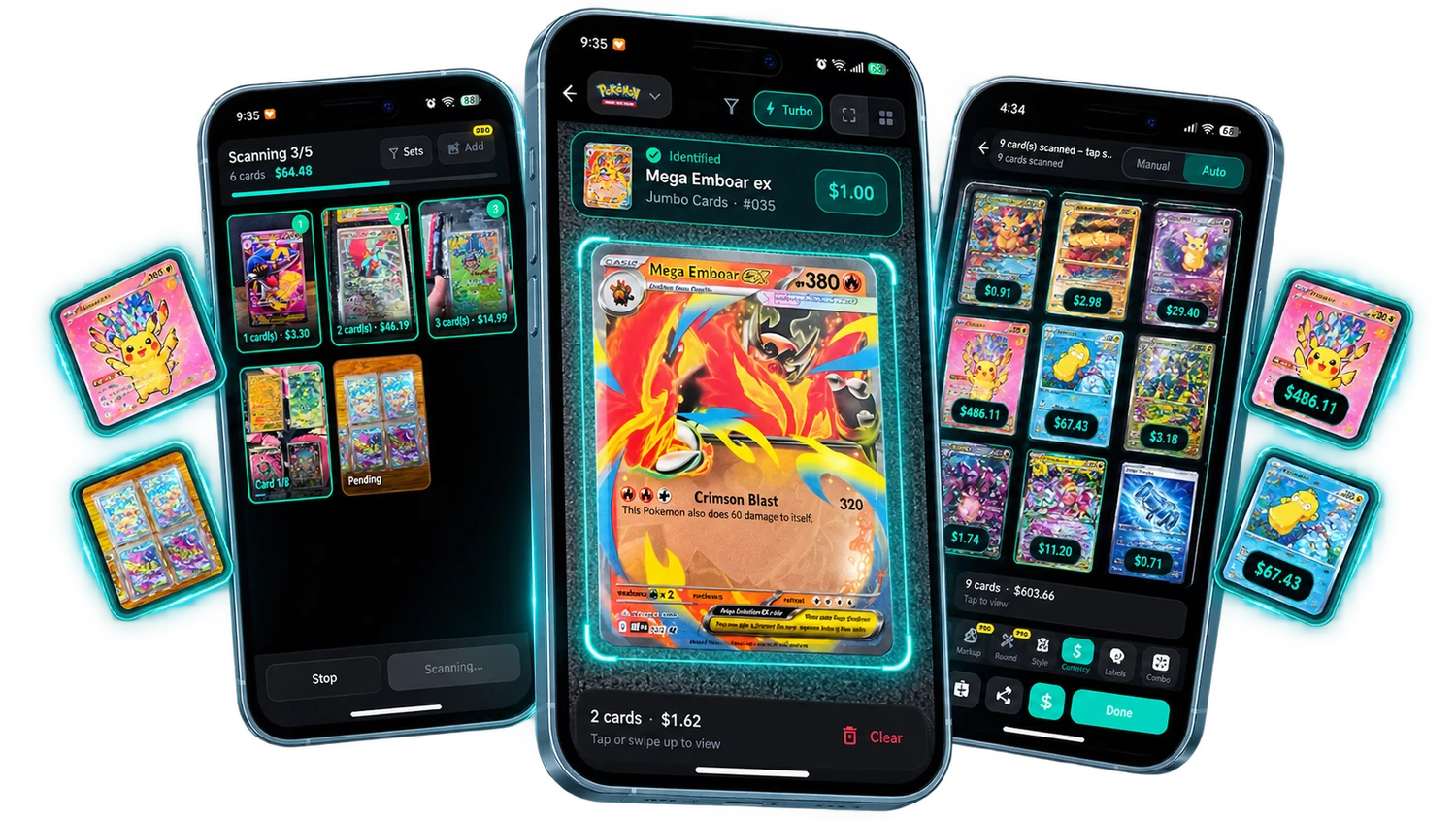
Cardex scanning cards, identifying a card, and pricing a full binder page
100photos in a single bulk scan
6card catalogues, downloaded to your phone
2price sources you can switch between
∞cards per collection, free or Pro
What it does

Everything you need to
catalogue a collection.

From the first card you scan to the binder you list for sale, it all happens in one app — on your phone, without a spreadsheet in sight.

Scanning that knows the variant

Cardex reads the art, name and card number together, so it tells holo from reverse holo from the promo print — not just "a Charizard".

Whole binder pages at once

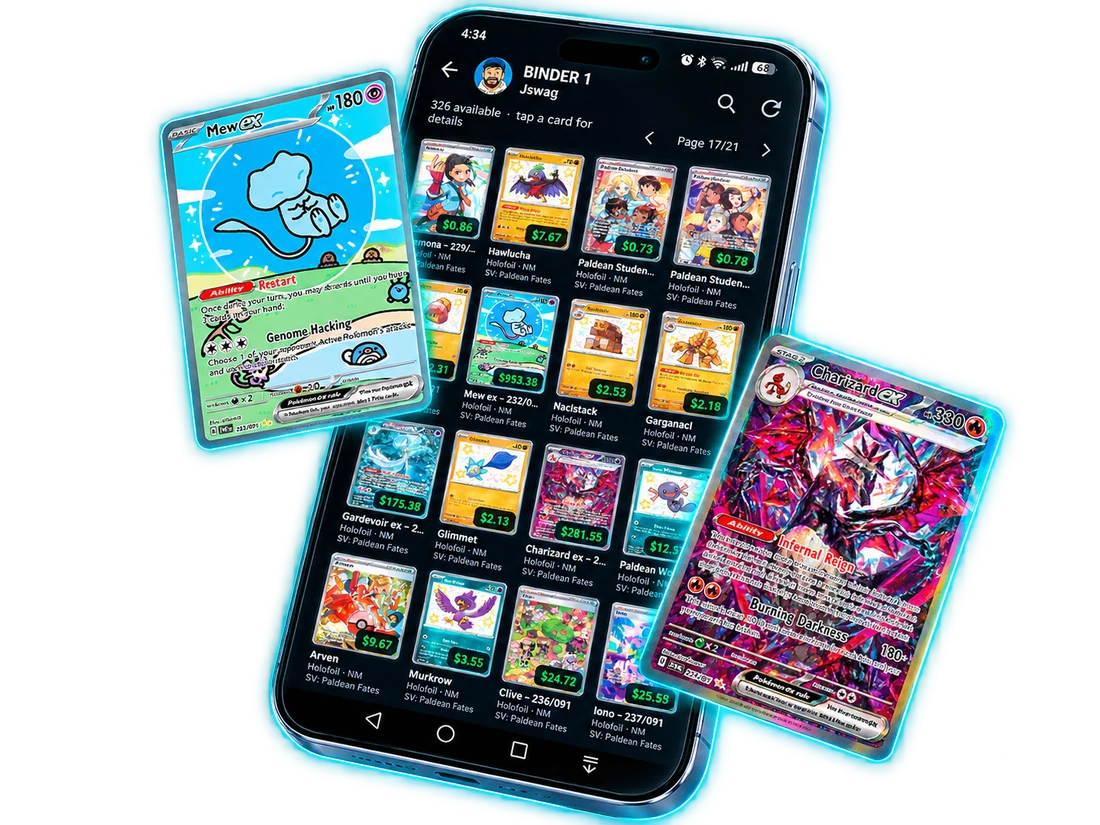
Photograph a nine-pocket page and get every card identified with a price label on each one, plus the total for the page.

Live prices, two sources

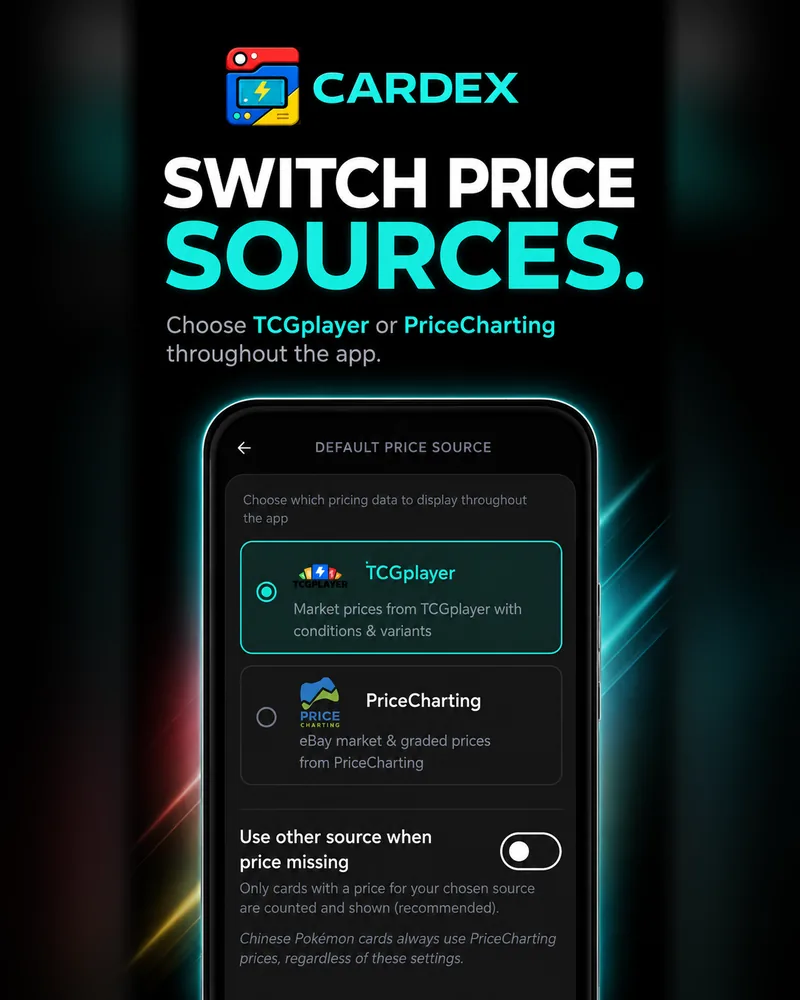
Market prices from TCGplayer and eBay-based prices from PriceCharting, with graded values where they exist. Pick a default and switch any time.

Value history

Your collection is valued every day, so the chart shows what it was worth last week, last month and today — per collection or across the lot.

Collections & set progress

Group cards however you like, keep a watchlist, and see how close a set is to complete with the cards you're still missing.

Graded slabs

Record PSA, BGS and CGC grades on any card and price the slab rather than the raw copy.

Shareable sale binders

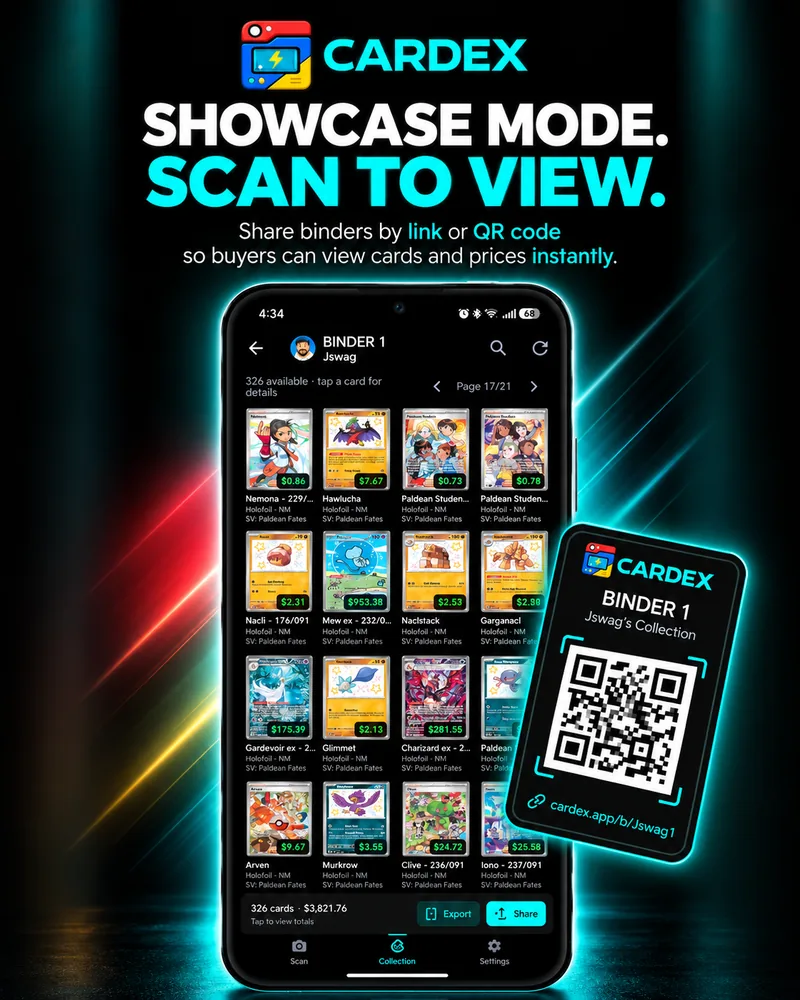
Turn any collection into a binder a buyer can open from a link or QR code, with your markup applied and totals on the page.

Scan straight off a screen

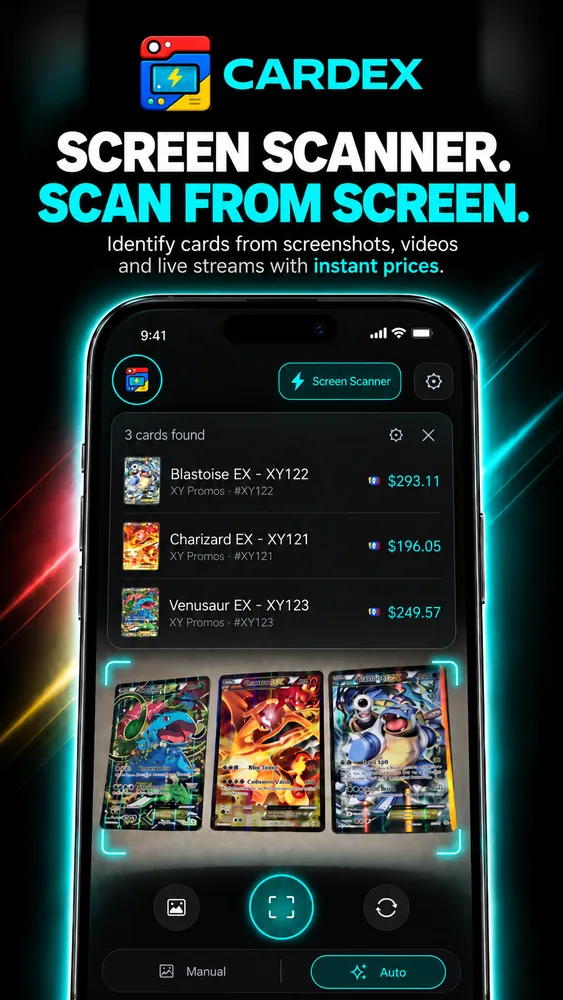
Point Cardex at a video, stream or screenshot and it prices the cards on the screen — handy for pack openings and listings. Android only, as iPhone won't allow a capture button over other apps.

Works without signal

The card database lives on your phone, so identifying a card doesn't wait on a connection. Prices refresh whenever you're back online.

Scanning

One tap. One answer.

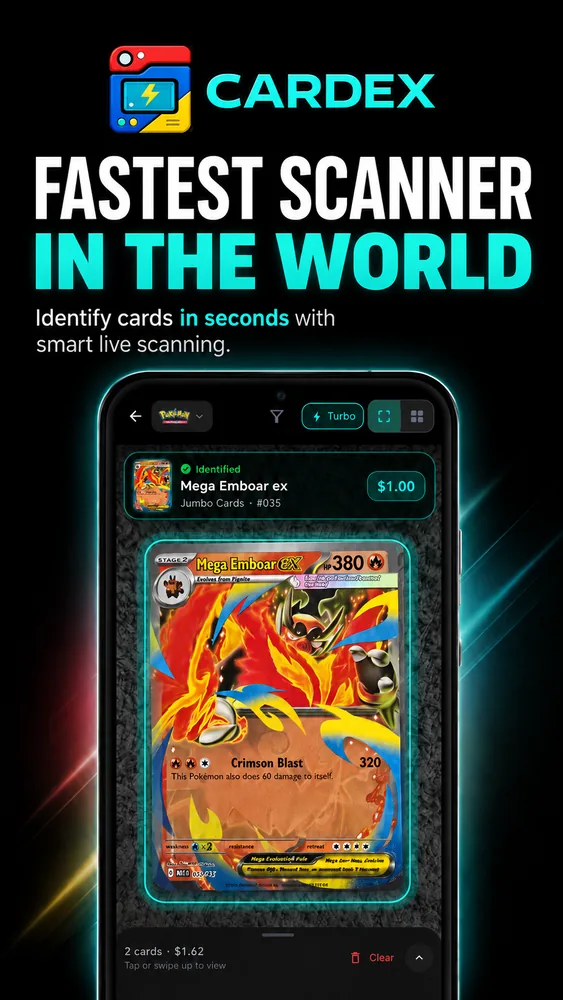
Hold a card in frame and Cardex identifies it while you're still holding it — set, card number, rarity and the price it's selling for right now. No typing, no picking from a list of maybes.

  • Single cards, or several laid out on a table at once
  • Turbo mode for working through a stack quickly
  • Wrong match? Tap it and swap the card before saving
  • Every session is saved, so nothing is lost if you close the app
A card identified in the Cardex scanner with its price
Your collection

Watch it move.

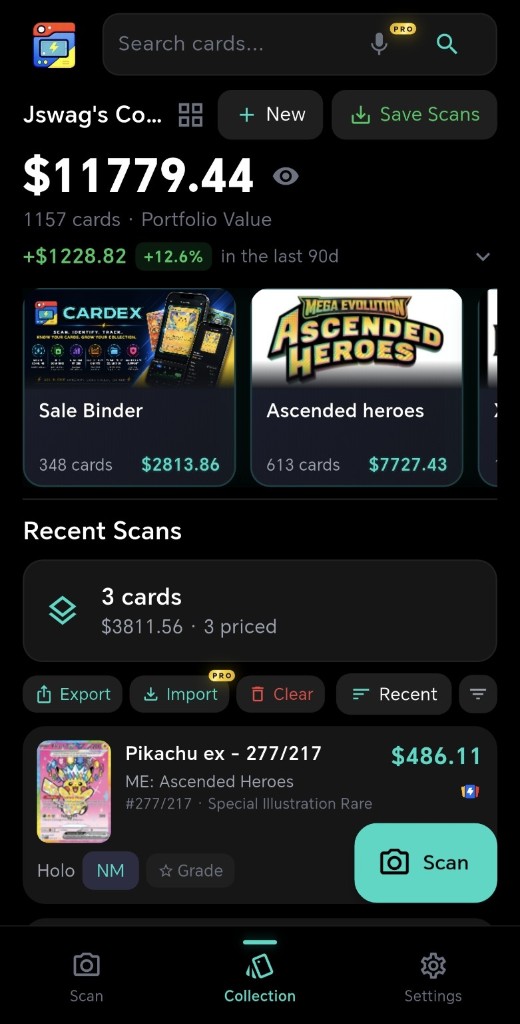
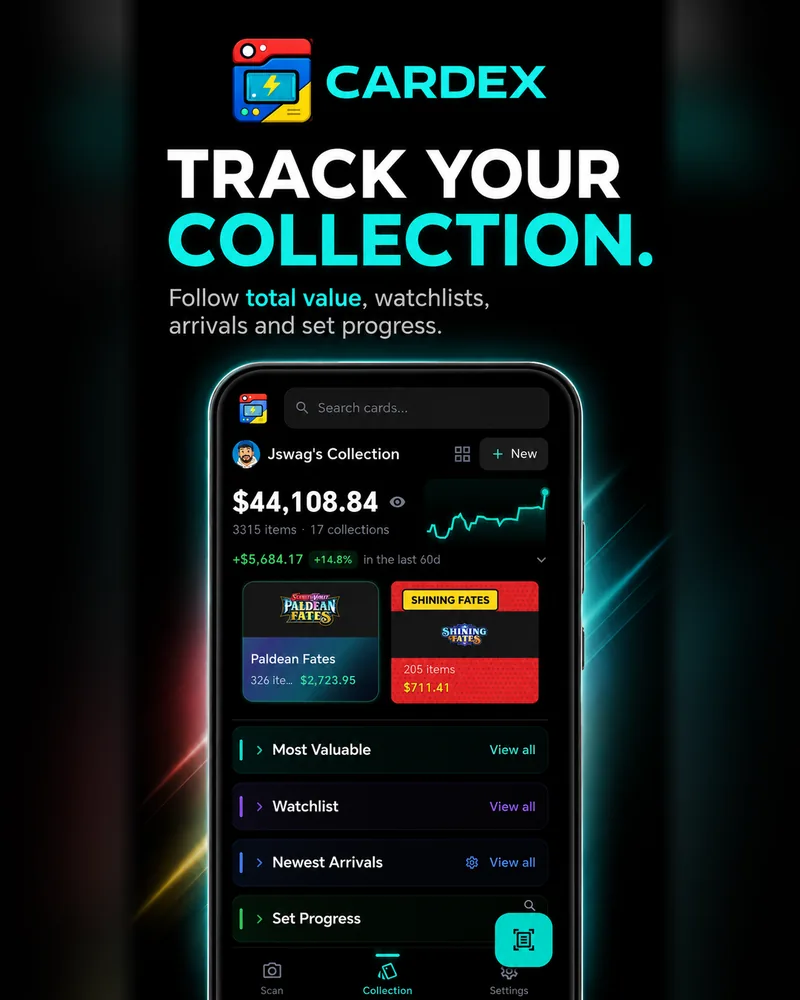
Every card you own is repriced daily, so the total on your home screen is today's number, not the one from the day you added it. Tap the chart and drag to read any point in its history.

  • Total value across every collection, and per collection
  • Most valuable, newest arrivals and a starred watchlist
  • Set progress, with the cards you still need
  • Prices shown in your own currency
The Cardex collection screen showing portfolio value and 90-day change
Selling & sharing

Hand a buyer
the whole binder.

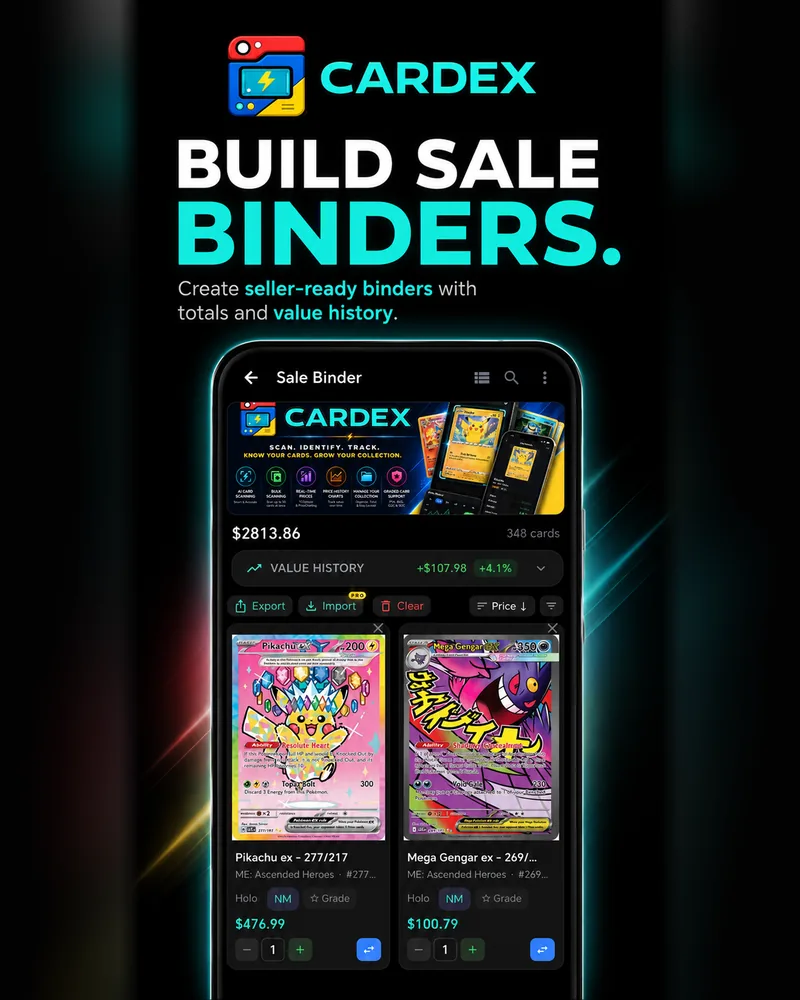
Build a sale binder, add your markup on top of market price, and share it as a link or a QR code. Whoever opens it sees your cards, their conditions and the prices — no app needed on their side.

  • Published binders stay in sync as prices change
  • Export to CSV, or import a collection you already track
  • Follow other sellers and get alerted on cards you starred
  • Save clean crops of individual cards to your gallery
A Cardex binder shared with prices on every card
Supported games

Six catalogues, one app.

Each catalogue downloads to your phone the first time you pick it, then updates itself as new sets land.

Pokémon
Pokémon Japanese
Pokémon Chinese
One Piece
Dragon Ball Super Fusion World
Dragon Ball Super Masters
More on the way
Pricing

Start free. Upgrade if you scan a lot.

Cardex is free to download and free to use. Pro removes the scanning caps and unlocks the selling and customisation tools.

Free

Everything you need to catalogue and price a collection.

  • Unlimited cards and collections
  • Live prices from both sources
  • Value charts and set progress
  • Graded slabs and watchlist
  • A daily allowance of bulk and multi-card scans, reset each midnight
Download free

Cardex Pro

7-day trial

For anyone clearing bulk, tracking a big collection or selling.

  • Unlimited scanning — bulk, multi-card, screen and turbo
  • Up to 100 photos in one bulk scan
  • Selling tools: markup, CSV export and import
  • Showcase Mode, seller following and starred-card alerts
  • Premium label styles and single-card crops
  • Custom sorts, tile styles, backgrounds and chart colours
  • Scan history and cloud backup across devices
Try Pro free for 7 days

Monthly or yearly, cancel any time. Prefer not to subscribe? Buy one-off packs of scan credits instead.

Questions

Good to know.

Do I need an account?

No. Cardex works as a guest and keeps your collection on your device. Signing in syncs it across devices and means you keep it if you lose or replace your phone.

How accurate is the scanning?

It matches on artwork, name and card number together, which is what lets it separate variants of the same card. If a result is wrong, tap it and search for the right card before saving. If a specific card is consistently misread, email us the set and card number and we'll look into it.

Where do the prices come from?

TCGplayer market prices and PriceCharting's eBay-based prices, including graded values where they're available. You choose which one Cardex uses by default and can switch at any time. Chinese Pokémon cards always use PriceCharting, as TCGplayer doesn't cover them.

Does it work offline?

Identifying cards does, because the catalogue is stored on your phone. Prices and cloud sync need a connection, and they catch up on their own once you're back online.

Is there an iPhone version?

Yes — Cardex is on the App Store now, and it's the same app as on Android with one exception: Screen Scan is Android-only, because iOS won't allow a capture button to sit over other apps.

How do I cancel Cardex Pro?

On iPhone, open Settings, tap your name, then Subscriptions. On Android, open the Play Store, then Payments & subscriptions, then Subscriptions. Cancel at least 24 hours before the renewal date.

How do I delete my account?

In the app, go to Settings and choose Delete Account. That permanently removes your profile, collections and preferences from our servers.

New sets, new games, new features.

One email when something worth knowing about ships — including the iPhone launch.

Support

Stuck on something?

A card scanning wrong, a purchase that didn't apply, or a question about your subscription — email us and you'll get a reply from a person.

josborn619@yahoo.com

Scan your first card
in about a minute.

Download Cardex, pick your game, and point your camera at something. That's the whole setup.